Remote Verification & Evaluation Visits
What do they look like?
There are times when the IB makes the decision that it is unsafe to send IB educators to carry out verification and evaluation visits (e.g. times of natural disasters, civil unrest, terrorism). At such times they carry out remote visits virtually.
Due to travel restrictions during the lock down brought about by COVID-19 the IB have put in place similar arrangements for virtual verification and evaluation visits.
This page provides briefing notes using the guidance the IB has provided to IB visitors and schools. It also provides you with some Top Tips to consider, based on my work as Chair of some virtual visits and the visiting teams I have been working with.

- IB standards and practices will still be used to collect evidence from the school. Schools still need to upload documents to share with the IB.
- Flexibility will be shown to meet the different contextual needs of schools (staff at school but maybe not students, no one working from school campus etc.).
- Meeting room: if the school is in session the school needs to provide a quiet room reserved for interviews, equipped with necessary IT equipment (2 microphones, high quality camera).
- Information: the team leader will discuss with the school the possibility of having a remote file-sharing platform, such as Dropbox, Google Drive or WeTransfer, to which the remote visiting team has access.Video evidence will be asked for (e.g. introductory video of the school, showing place n community and location of key facilities within the school). If the school uses an ePortfolio system, they should consider giving temporary access to the virtual/remote visiting team to view the materials online.
- Meetings need to be scheduled online with all relevant stakeholders (governors. leaders, IB Coordinator(s), teachers, students, parents). IB educators (visitors) will work from home. The meeting schedule should stay as close as possible to the face-to-face meeting schedule (found in IB documentation). The agenda is agreed between the school IB coordinator and the IB team leader. The school suggests their preferred form of virtual meeting room (e.g. Skype, Teams, Zoom etc.). The meeting schedule should contain a link to virtual meeting room. If a translator is required the school should provide one. Consider having a backup telephone landline with a speaker phone in case of transmission difficulties. Please note the IB policy of NOT recording any of the meetings. The zoom link and the skype link (where applicable) should ideally be created by the visiting team in order to avoid the possibility of any recording.
- Facilities: visual evidence of facilities (including exam storage) should be provided where possible. If this is not possible the school will be provided with a ‘Matter to be addressed (MTBA)’ and a follow up visit will be arranged after lockdown has ended. The IB provides guidance for video tours of library, IT resources, art / design facilities, science laboratories etc).
- Evidence of teaching and learning will be provided by the school using the online platform they are using with students. Schools should ensure that such lessons demonstrate an inquiry-led approach.
Top Tips to bear in mind
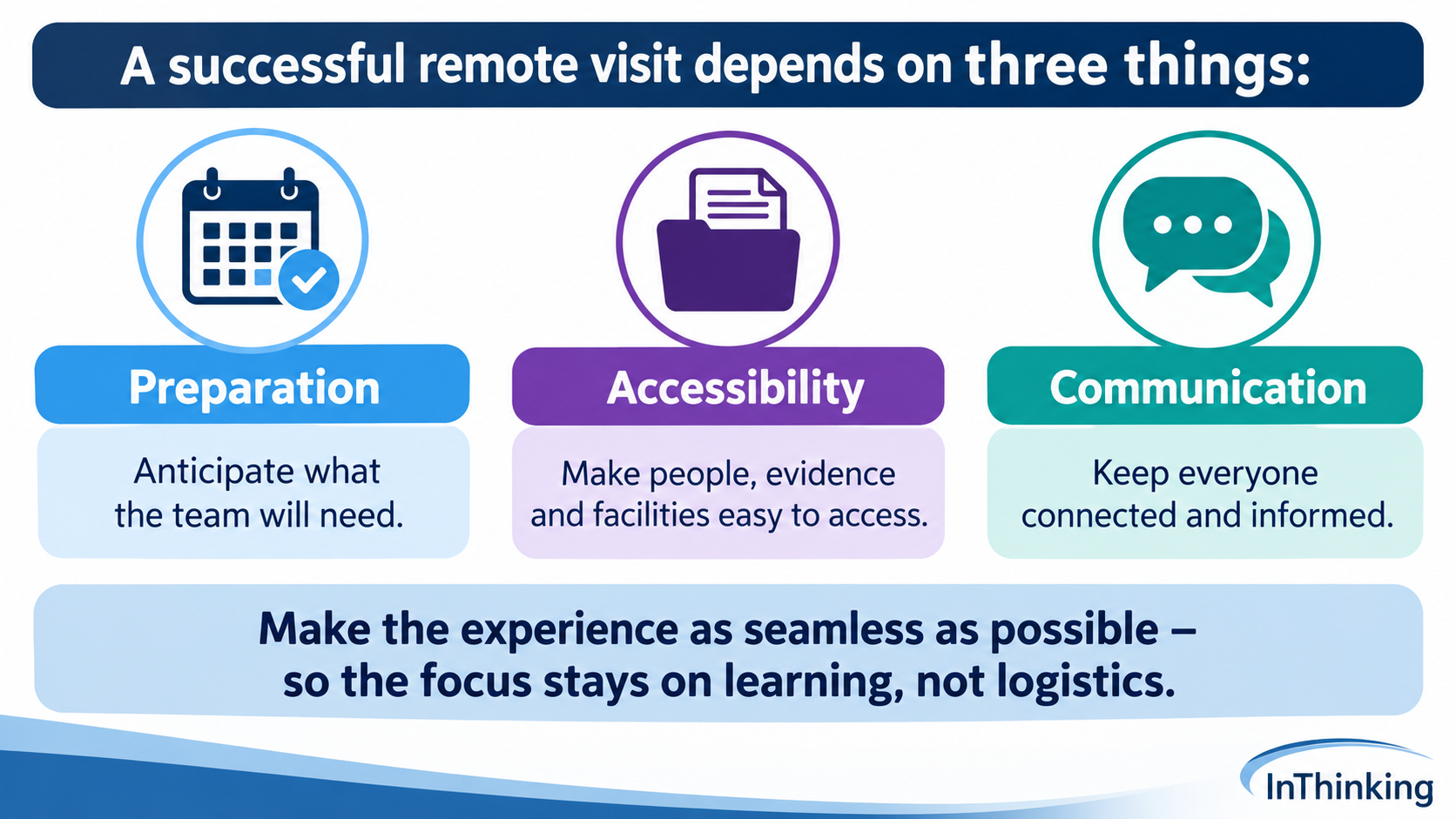
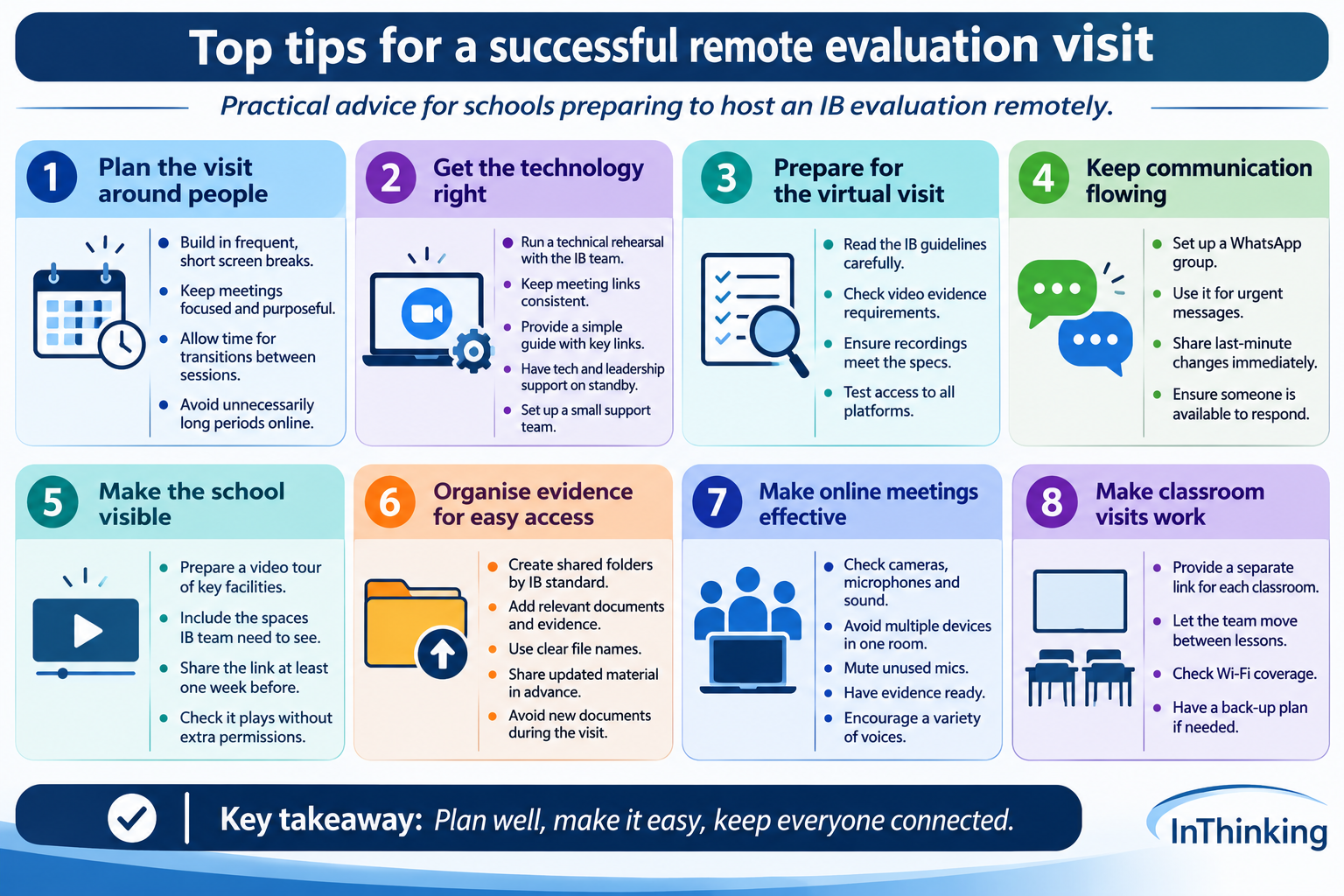
Virtual visits put extra work on both the school and the IB team. For example, the IB team will be working from home and in different time zones - some may have to get up in the middle of the night to be able to 'attend' your first meeting / lesson. For the school your teaching may be constrained by safety measures which, for example, ask you to teach students in rows facing in one direction (not ideal if you are trying to show collaborative working!). Explain this to the team before hand. The IB team will need to work hard at triangulating their evidence - to ensure that they can show you use the IB approaches to teaching and learning. It is likely that your report will contain less findings but the ones you have will be more detailed.
Agenda: Make sure the agenda you set up gives frequent little screen breaks.
Technical platform (e.g. ZOOM):
- Have a technical run-through with all of the IB team a few days prior to the visit.
- Keep platform links the same all way through unless they absolutely need to be changed. For example, you may wish to create a new ZOOM link for each meeting or else keep the same ZOOM link throughout (easy) and keep all meetings in break-out rooms.
- Provide a guide to how to use the technology - providing the team with all links to school databases that they may need.
- Ensure that one person from tech team and leadership team is always on standby... as tech or other can go wrong at any time. It is helpful to have a small central team focused on servicing the evaluation (e.g. a technical aid, a person who liaises with teachers, another who can go in search of additional evidence you may need).
Virtual visit guidelines: Read and read again guidelines for remote visits (so videos can be according to requirements)
Communication:
- Set up a Whatsapp group with the team and the coordinators. That way if anything goes wrong you can contact them quickly.
- When people are in meetings, people do not check emails so might not see you are having an issue.
- Keep the visiting team informed if any last-minute changes to meeting links or times occurred.
Tour of school:
- Provide a video tour of the school - make sure you include all of the facilities that the IB teams will have to check
- Make sure the IB team have a URL link to this video at least a week before the visit
Evidence:
- Set up folders on Google drive or similar according to the standards and then place evidence in for each standard. That makes it so much easier for you to find what you need.
- Send updated documentations beforehand, not on the days of the visit as this takes a lot of time reviewing docs, during visit.
Meetings:
- Make sure your camera is on and your image is clear.
- Check the sound system prior to the meeting. Make sure you are near the microphone to ensure a clear voice.
- Group yourself around the camera so the team can see and hear you clearly.
- Ensure that staff who are in the same room are not on their own devices, all at the same time. This often creates echo and sound problems.
- Mute your microphones during group meetings from different devices. This helps eliminate echo and make the sound clear. If you have additional evidence that you would like to share with the visiting team during the meeting, please have a soft copy ready when possible.
- Vary the number of people who express themselves in a big group - there is no point of having 10 people present if only the same person speaks.
Learning videos:
- If possible, set up a laptop in each classroom with Zoom or Teams and send links to the visiting team. That way the visiting team can just hop from class to class by clicking on the link as they wish. It's much better than being led around by someone on an iPad.
- During the class visits, check the network coverage and have a plan "B" if you lost the Wi-fi connection.