How to navigate this site

The format of the site has changed (August 2026) but hopefully it is even easier now to find your way around!
All the pages are still there; but now organised under clear ‘teacher’ and ‘student’ sections. There are two student sections to allow for both the old and the 2028 curriculum to be covered.
The assessment pages e.g. source papers and sample essays have been separated from the student e-book pages and can be found in the student section under ‘assessment’
Navigating the site using the main headings
Teacher only pages
Probably the easiest way to navigate the site is to go straight to the main headings from the drop down menu which will appear when you put your cursor on “Teacher only pages”.
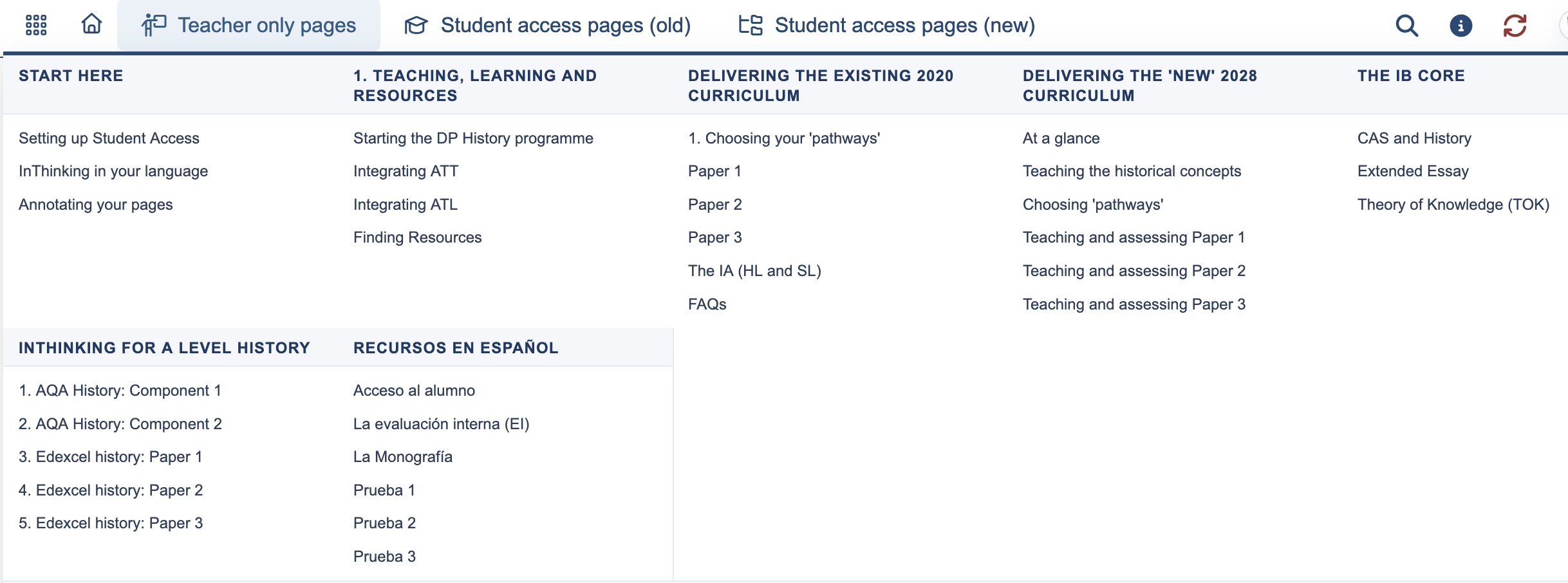
These teacher pages cannot be seen by students; they contain guidance on the nature of the different papers and hints to help with teaching.
Student pages
On this site you have a choice between the ‘old guide student access pages and the ’new guide student access pages'. The ‘old guide’ refers to the curriculum for which last examinations are 2027. The ‘new guide’ refers to the 2028 curriculum.
Both tabs will give you a drop down menu.
For example, this is what you can see under the ‘new’ student text book, for the resources for the new 2028 curriculum.

Clicking on any one of the headings shown above will take you to the full menu for this section.
e.g. clicking on ‘Paper 1 Focused Studies’ will take you to this page with all the relevant pages listed below. You will also see the detailed menu on the left-hand side (as you did before in the previous site layout)
Note that key assessment materials for each paper e.g. Full Paper 1s, are now under the Student Assessment section so always check there for exam questions/papers.
Page navigation
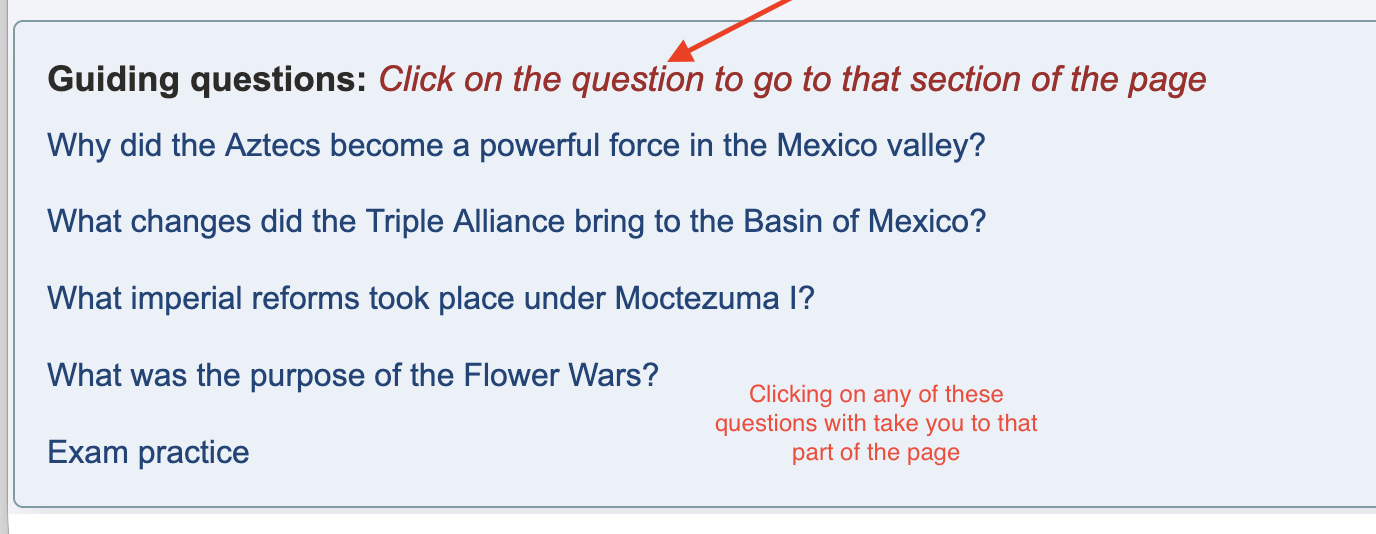
Use the Guiding Questions at the top of the page to avoid scrolling!
On all pages for the 2028 Curriculum, the guiding questions at the top of the page have internal links; click on a question to go to that section of the page. You don't have to scroll down to find what you are looking for!
Features menu
Note that each page also contains a features menu. This is located immediately below the main heading,

When activated these six icons show
1. Table of contents
2. Add to favourites
3. Add notes
4. Show the page in full screen
5. Print the page
6. Share the page on social media.
Navigating using the site map
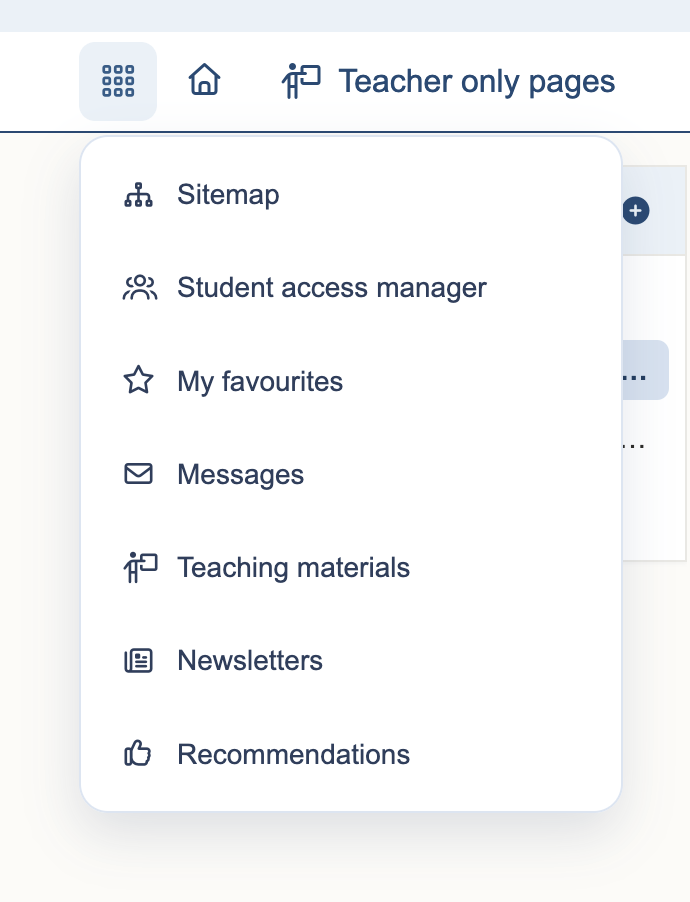
The sitemap can be accessed from the drop down headings from the ‘hamburger’ menu (the three horizontal lines of circles icon) to the left of the "Teacher only' top heading on any page.
(Note that on a mobile phone the menu is reached by clicking on the cog wheel icon.)
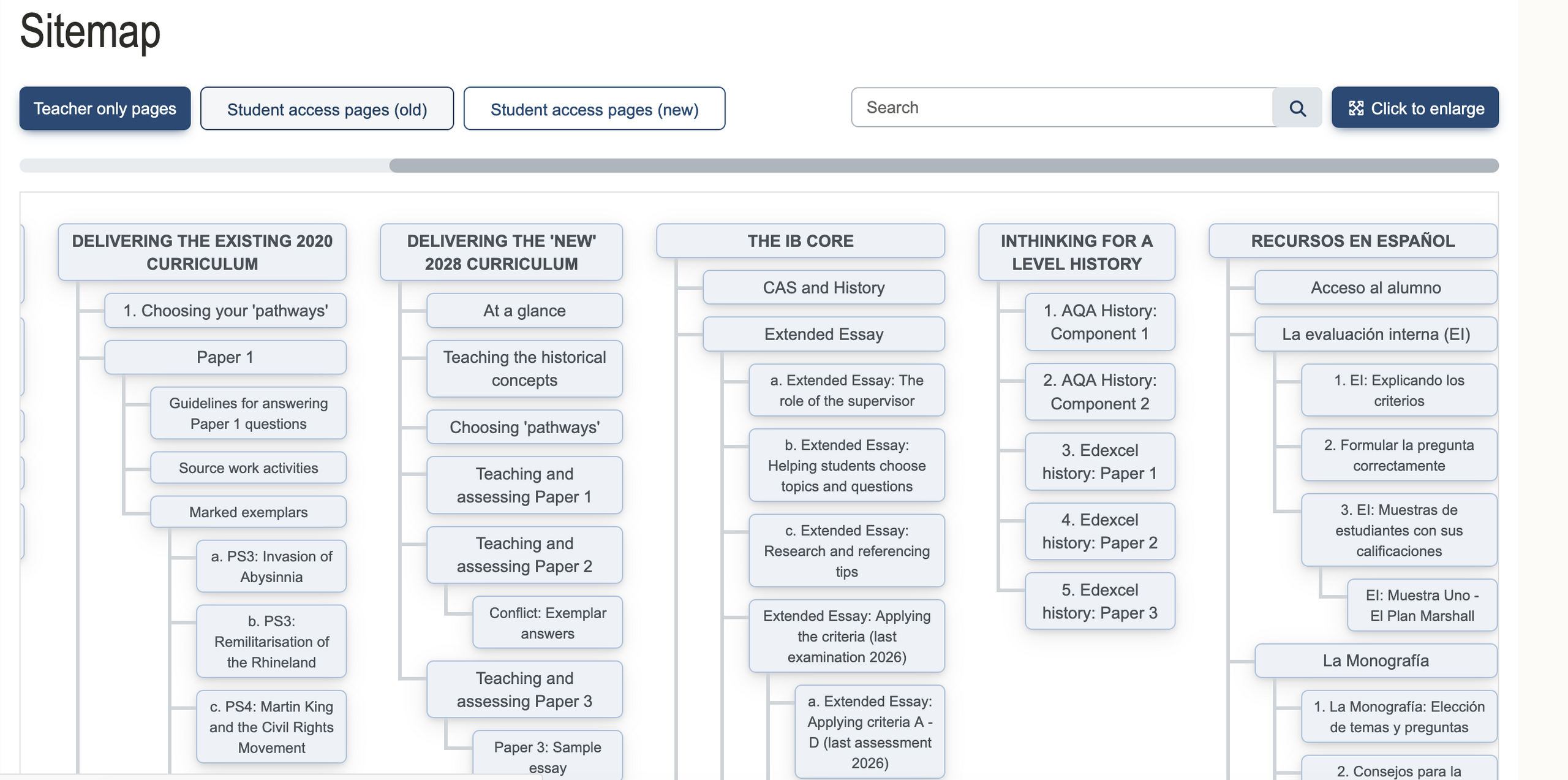
Clicking on ‘Sitemap’ will show every page on the teacher only part of the site. There are many pages so you may need to scroll down a lot, and also scroll across if you want access to all the main headings; then just click on the page you want.
Site map for student pages
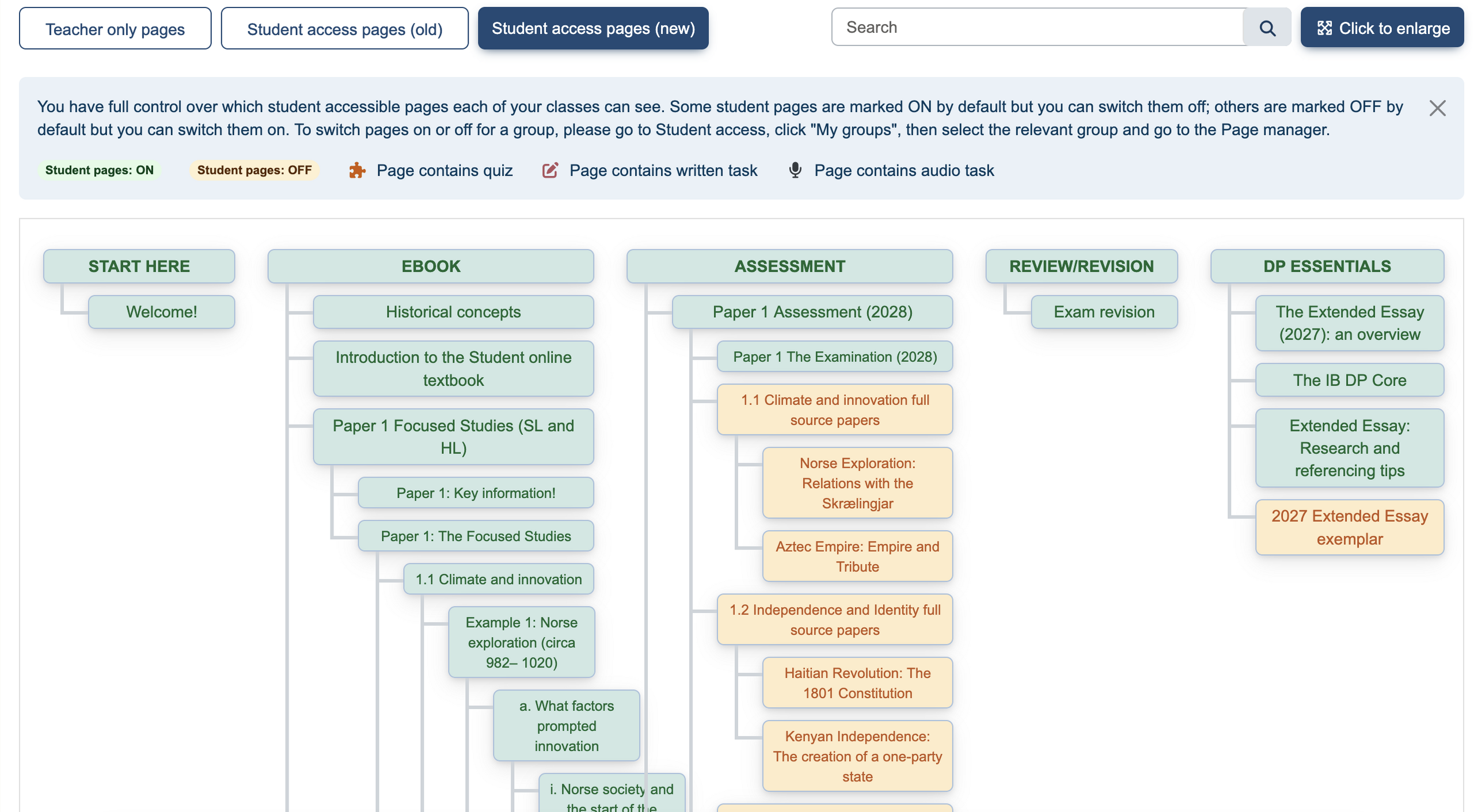
The site map for the student access pages can be found by clicking on the ‘Student access pages’ box.
Note that the pages are colour-coded to show which pages are which students can always see and which are hidden from students (orange); students can only access these pages when you allow them to.
See this page for how to let students see these hidden pages: 3. Controlling student access
Using ‘search’
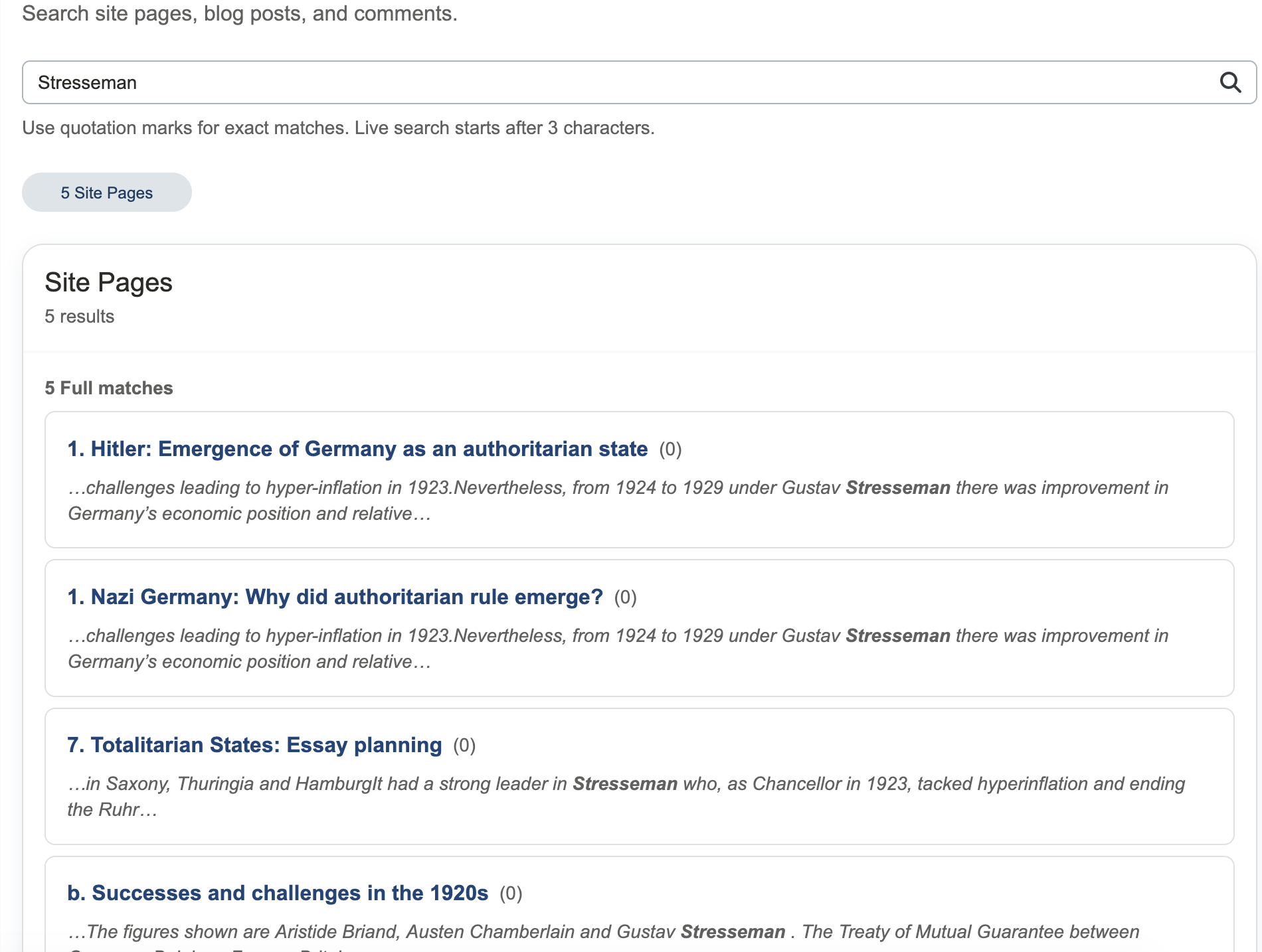
A third option is to use the ‘search’ facility which is located to the right of the top headings. This is particularly useful if you want to search for a particular event or person.