Student Access

Student access is a wonderful feature of your subscription! You can make a whole bunch of this site available to your students. While the website began – and in so many ways still is – for teachers of English A: Language and Literature, we have opened up a lot of the site to students. In our ever-evolving technological environment, it just makes sense to do so.
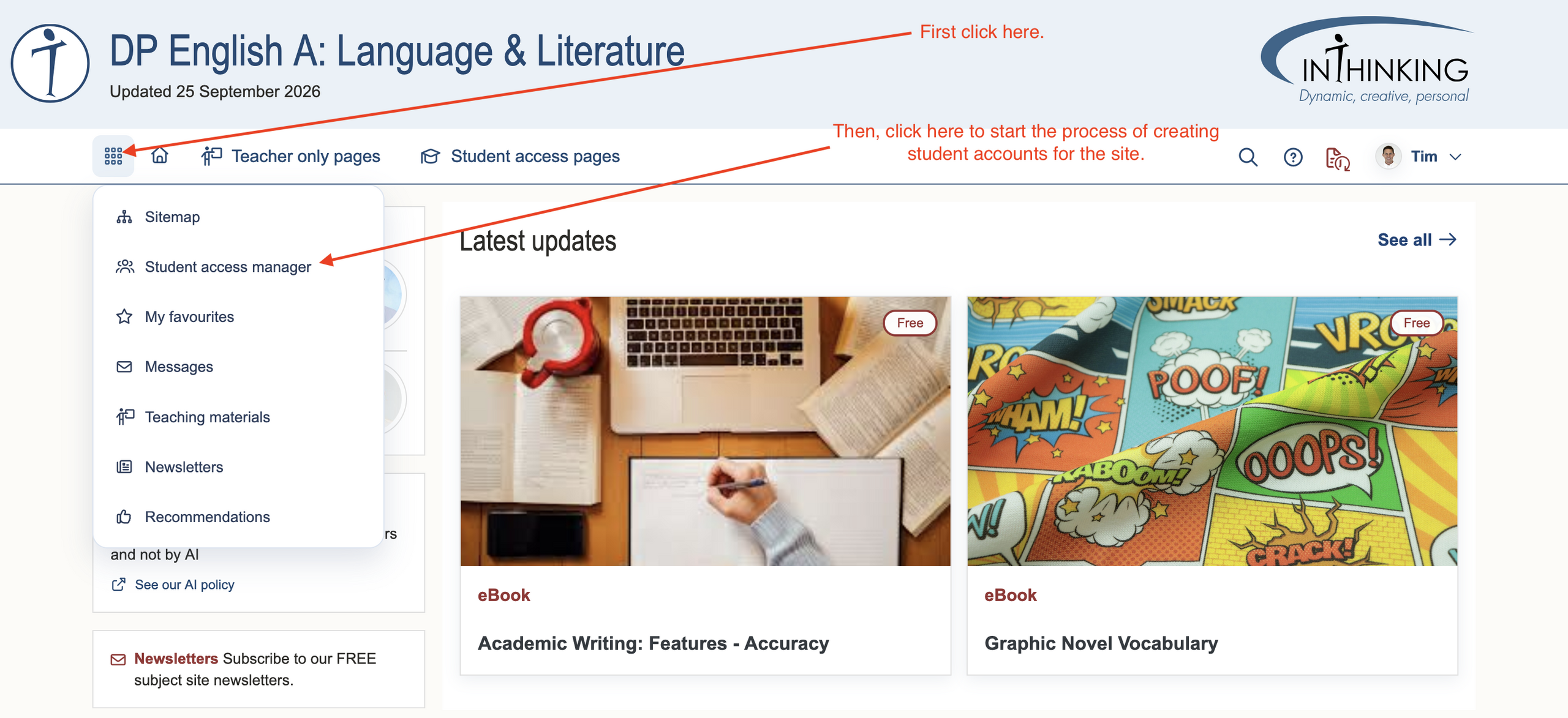
To get you started, you can either jump in head first and create student accounts. Click on the waffle menu - the 9 dot icon on the top left hand side of the site.
Alternatively, you can read up on creating student accounts using our “help desk” for "Student Access." To access the help desk, click on the question mark with a circle at the top right hand corner of the site.
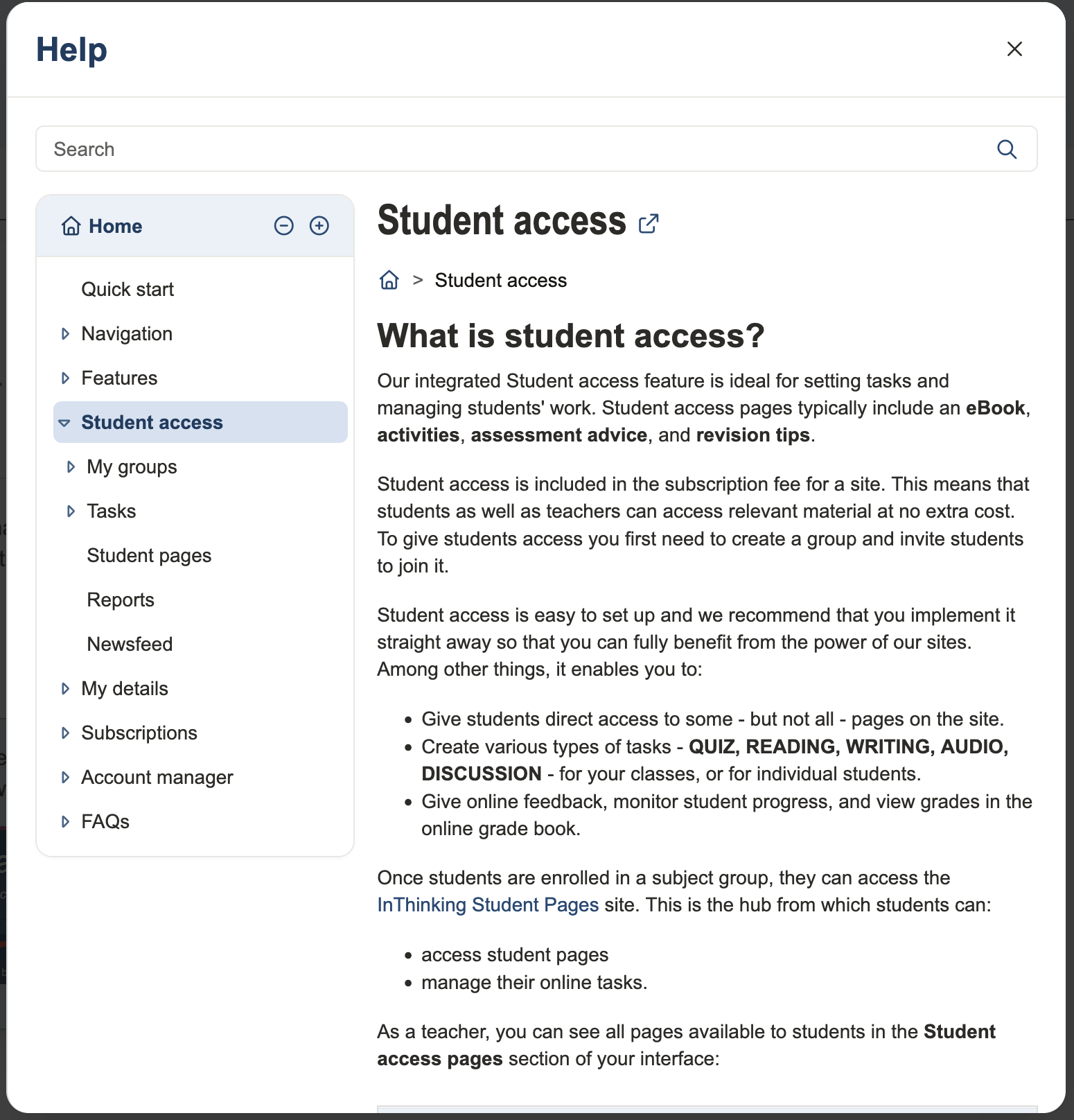
The larger InThinking team created this help desk to support you with all of your questions about student access, from creating groups to the types of assignments you can assign to actually setting and grading those assignments. The image below gives you an idea of all that you can do with Student Access.
Student Access
Help desk

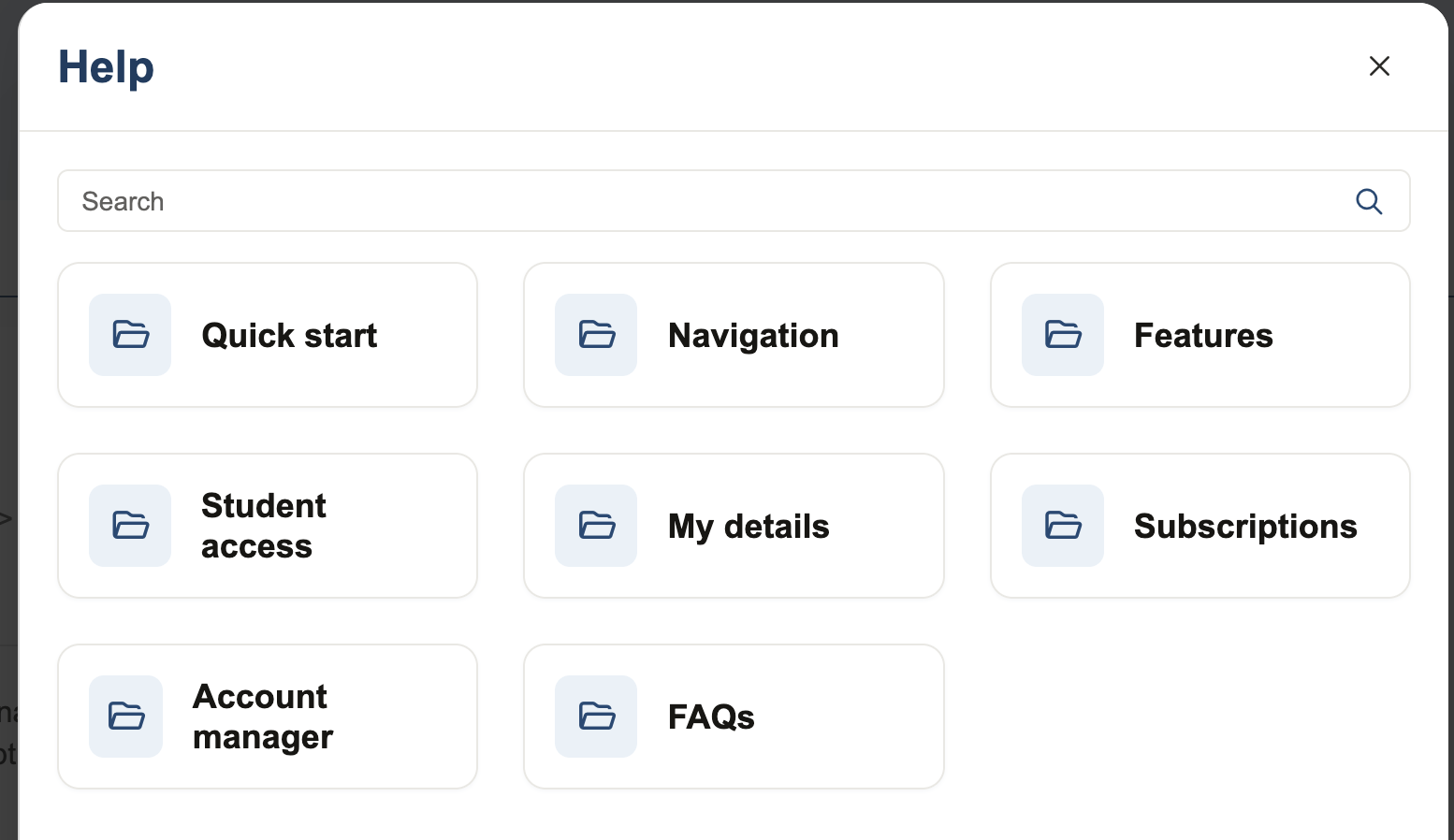
When you click on the question mark, the image below appears.
When you click on “Student access” this is what appears.