How it works
Self-study mode allows students to work independently without their progress being monitored by their teacher. This can be particularly useful in the run-up to exams.
If you open a page to students, or it is already ON, then it is automatically in self-study mode. Students can then do any in-page quiz or essay without you set it as a task.
- If the page contains a quiz, students will be able to complete it and check their answers, but the grade will not be stored, nor will it appear in the grade book. If they revisit the page, they can take the quiz again.
- If the page contains a written task, students will not be able to write anything in the text box. But they will be able to see a model answer if one is available.
Switching pages on
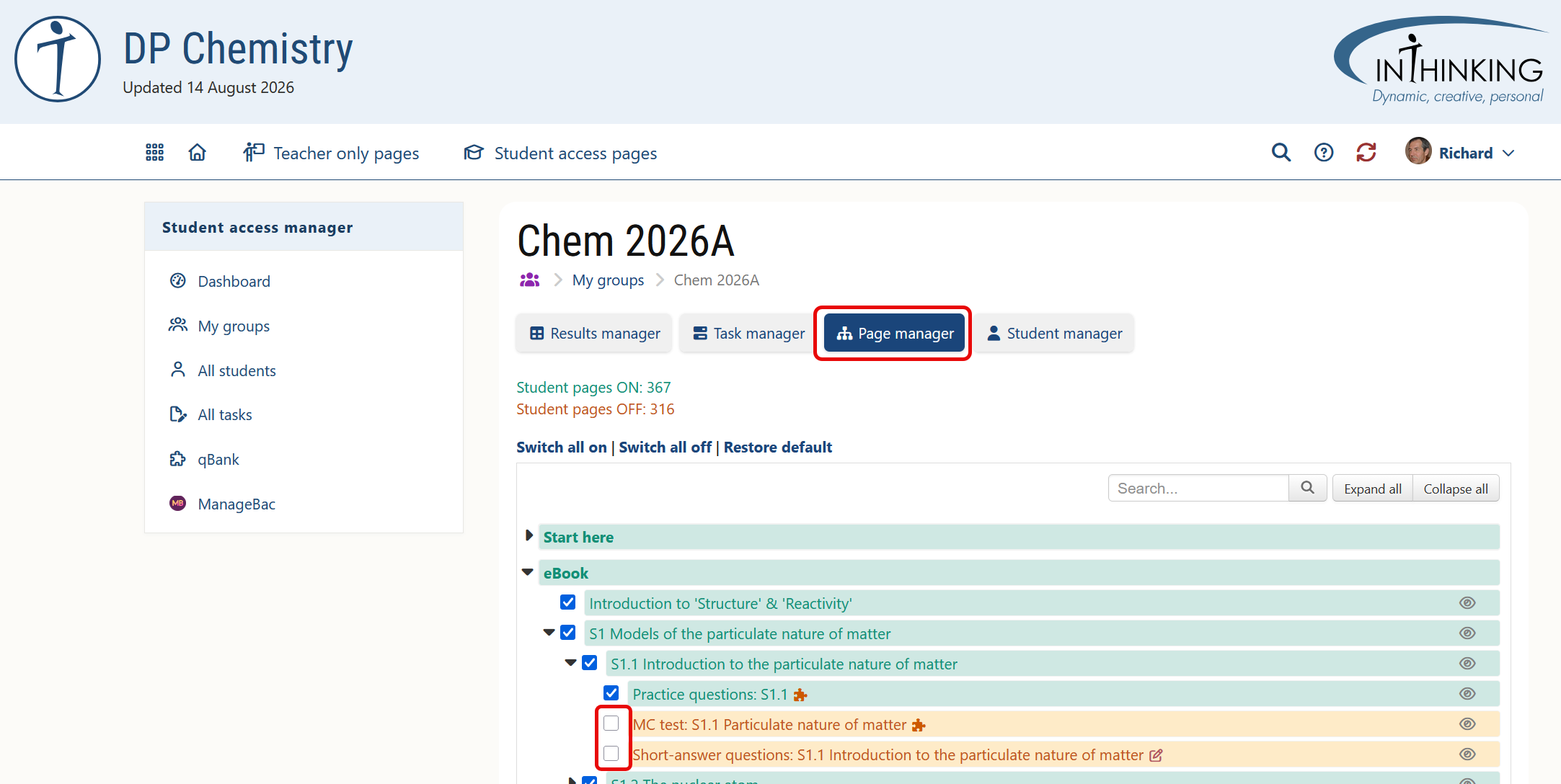
To switch one or more pages on, go to the relevant group in "My Groups", then click Page manager and select the required pages.
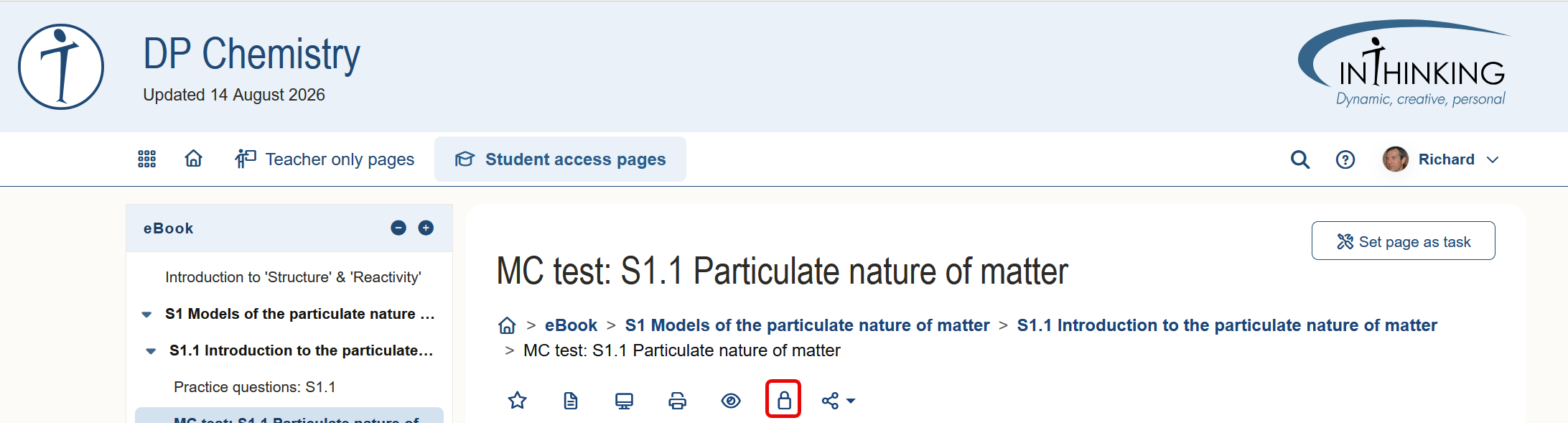
Alternatively, you can go to the page itself, click on the in-page padlock icon. A drop-down menu will appear listing your groups with a padlock next to each one. Click the red padlock icon next to the relevant group to switch the page OK. The padlock will now show green. Click the padlock again if you wish to switch the page off.