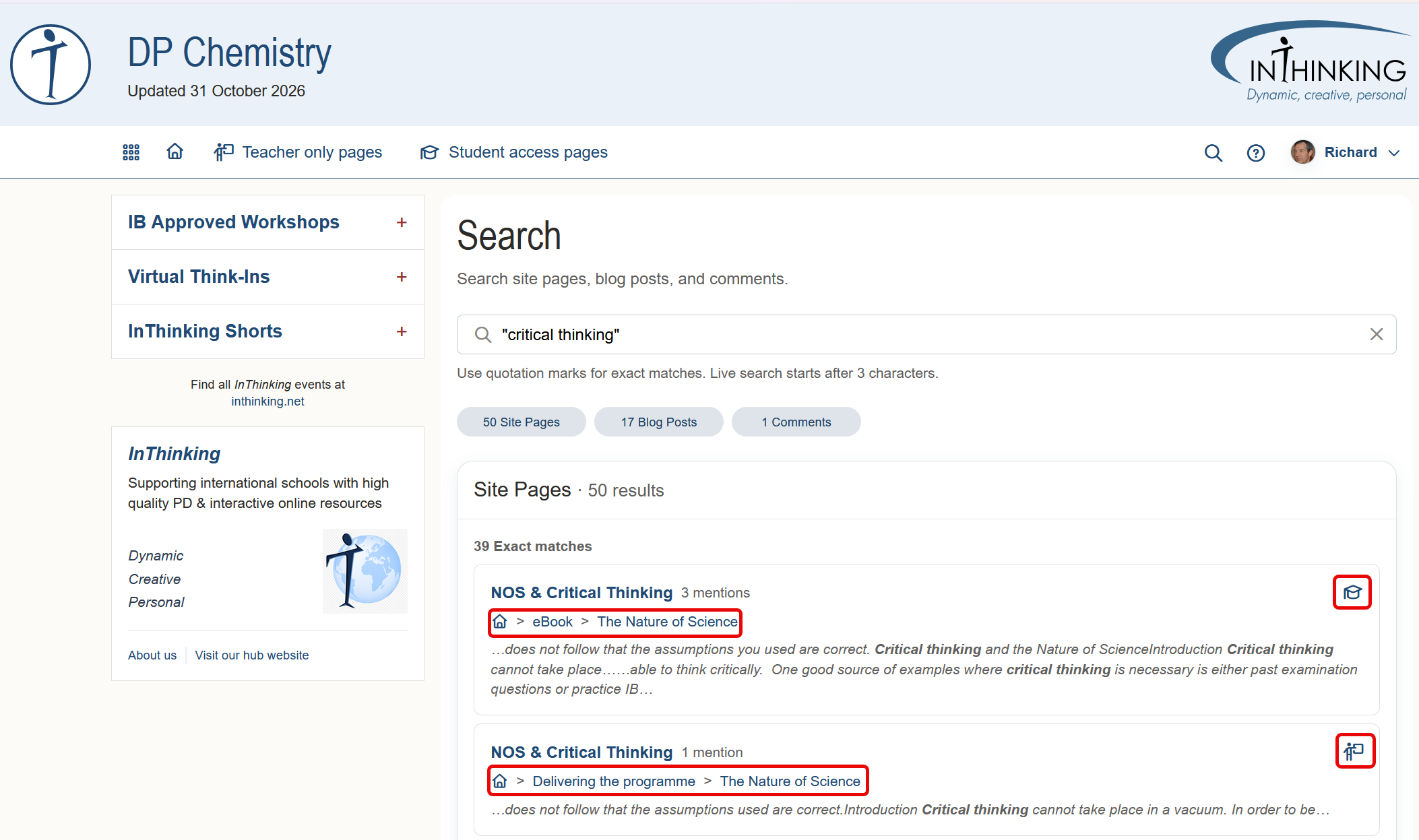
You can look for a page by using the Search box which can be found under the top menu on every page. When you click on the magnifying glass a field opens where you can type your query.

Search results indicate whether a page is “teacher only” or “student access”. It also shows the breadcrumbs so that you can see exactly where the page is located in the tree structure.