You can access the following features by clicking the “waffle menu” from any page of the site.
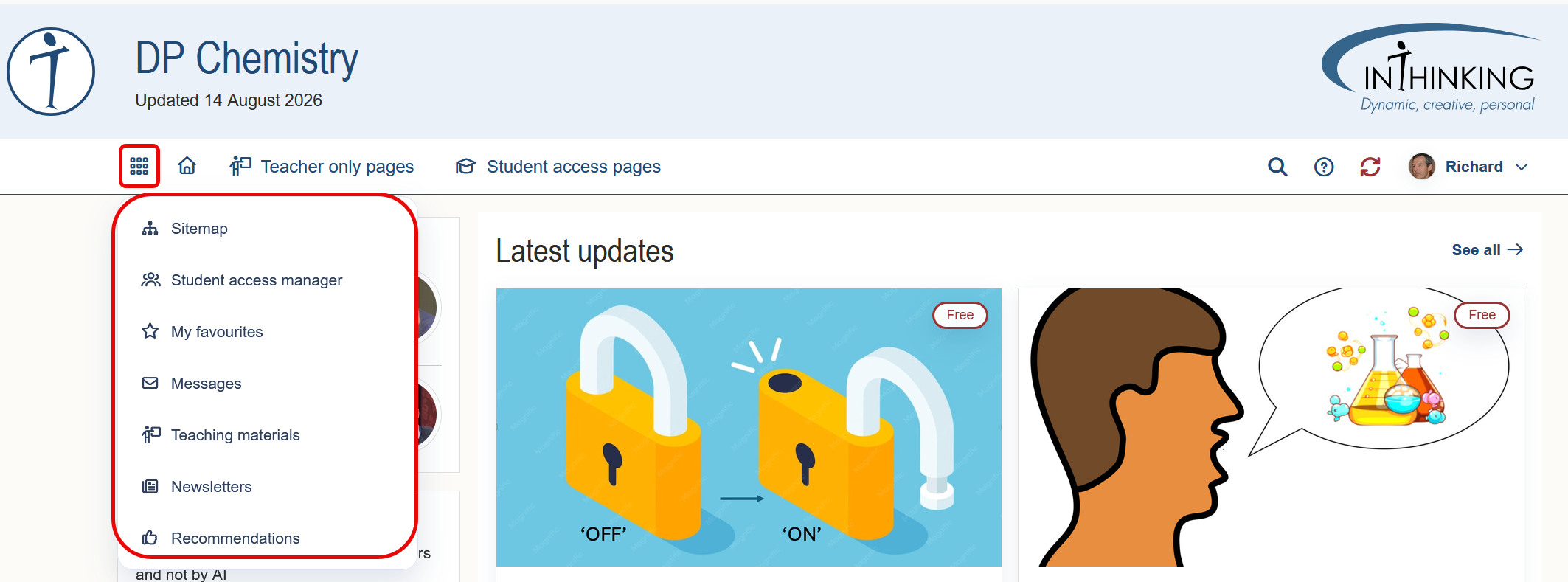
1. Sitemap
Sitemaps give you an overview of the structure of a site. With the exception of our Heads & Coordinators site and our Librarians site - which do not include Student access - each site has two site maps, one for Teacher only pages, and one for Student accessible pages.
You can find more information about sitemaps here.
2. Student access manager
When you click on this link it takes you to your Student access manager dashboard from where you can manage your students, set and grade various kinds of tasks, and monitor each individual's progress.
You can find all relevant details about the above in the Student access section of this guide.
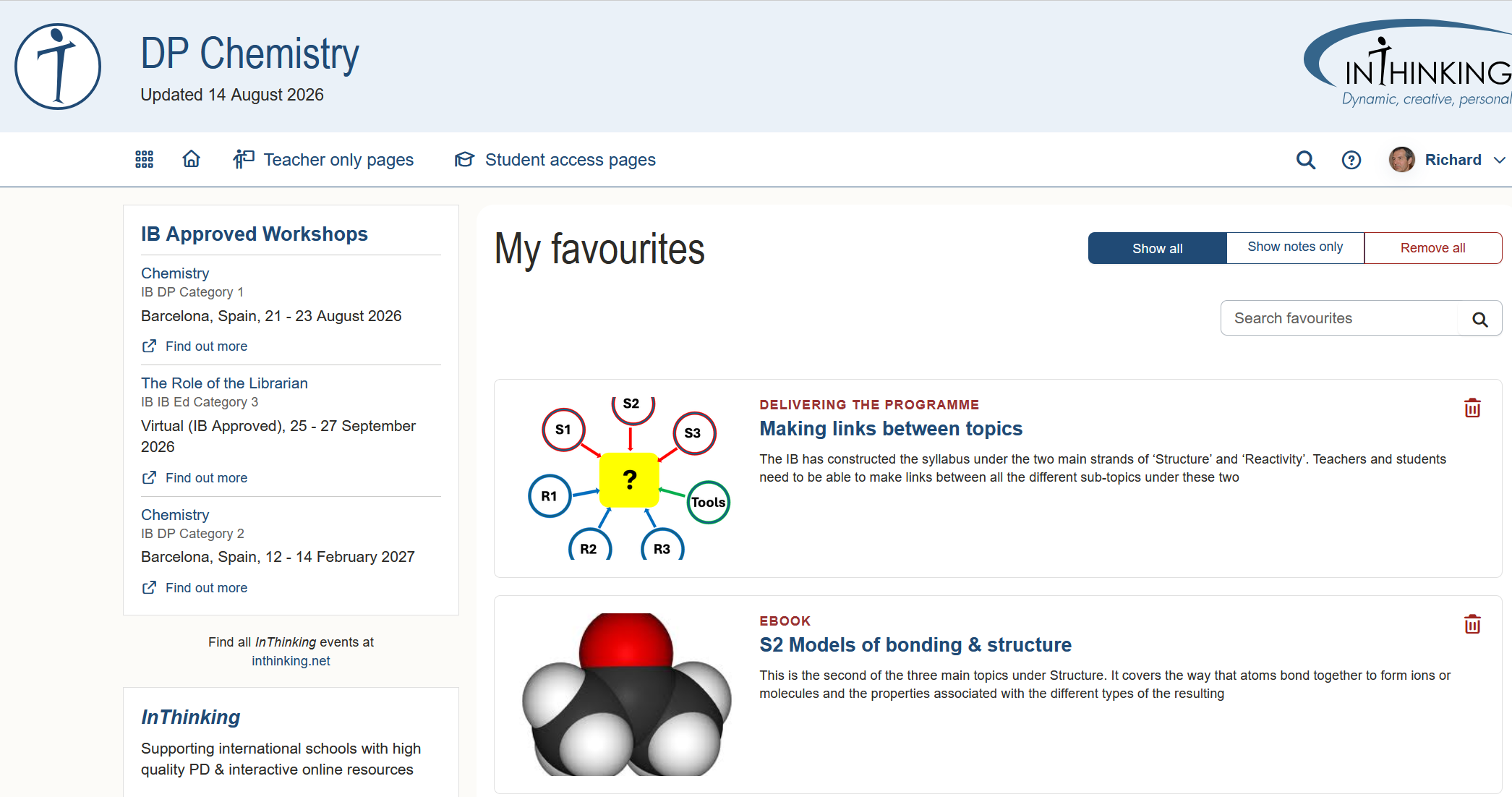
3. My favourites
This link takes you to a list of pages that you have favourited, or to which you have added personal notes.
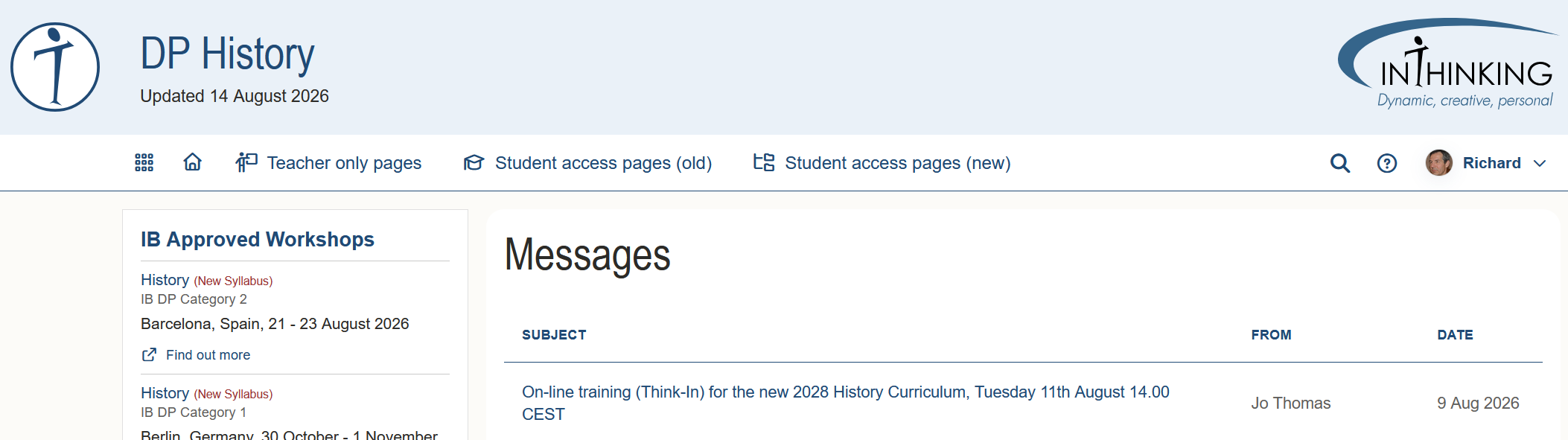
4. Messages
This link takes you to the list of messages that site authors or InThinking Central have sent to subscribers to this subject.
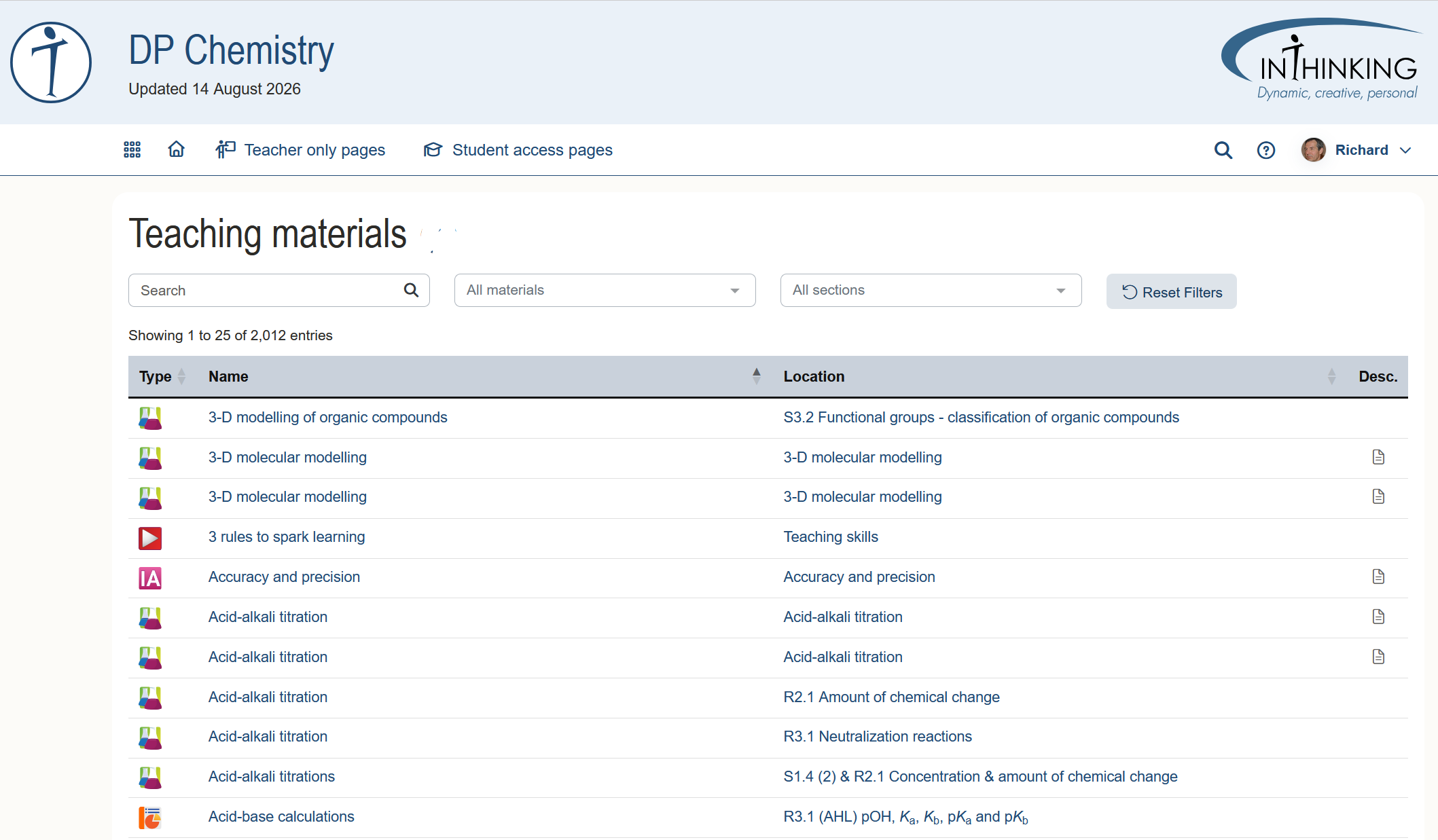
5. Teaching materials
This gives you a quick link to different kinds of teaching materials which can be found on different pages of the site.
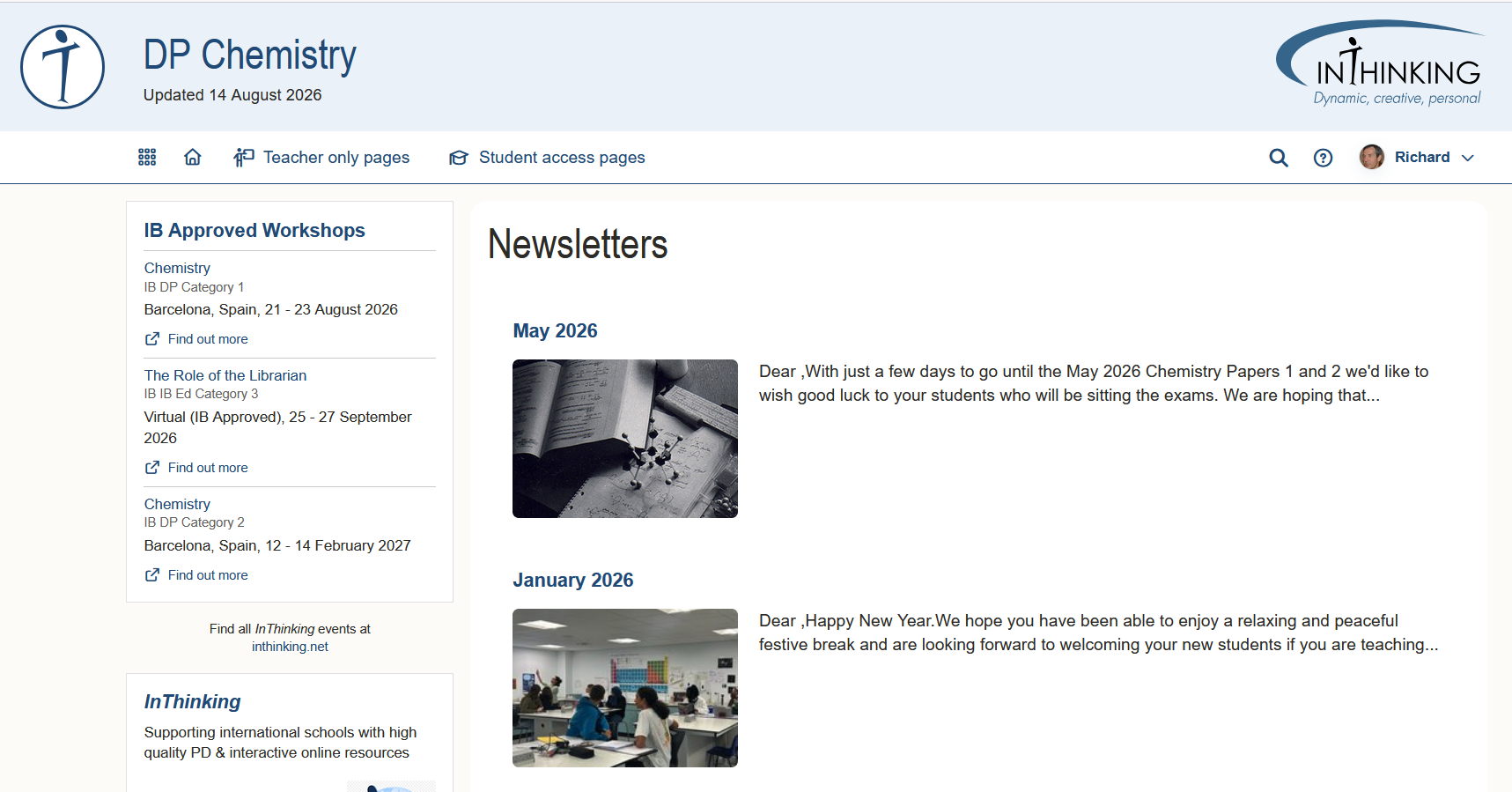
6. Newsletters
This link takes you to a list of newsletters sent out by the site author:
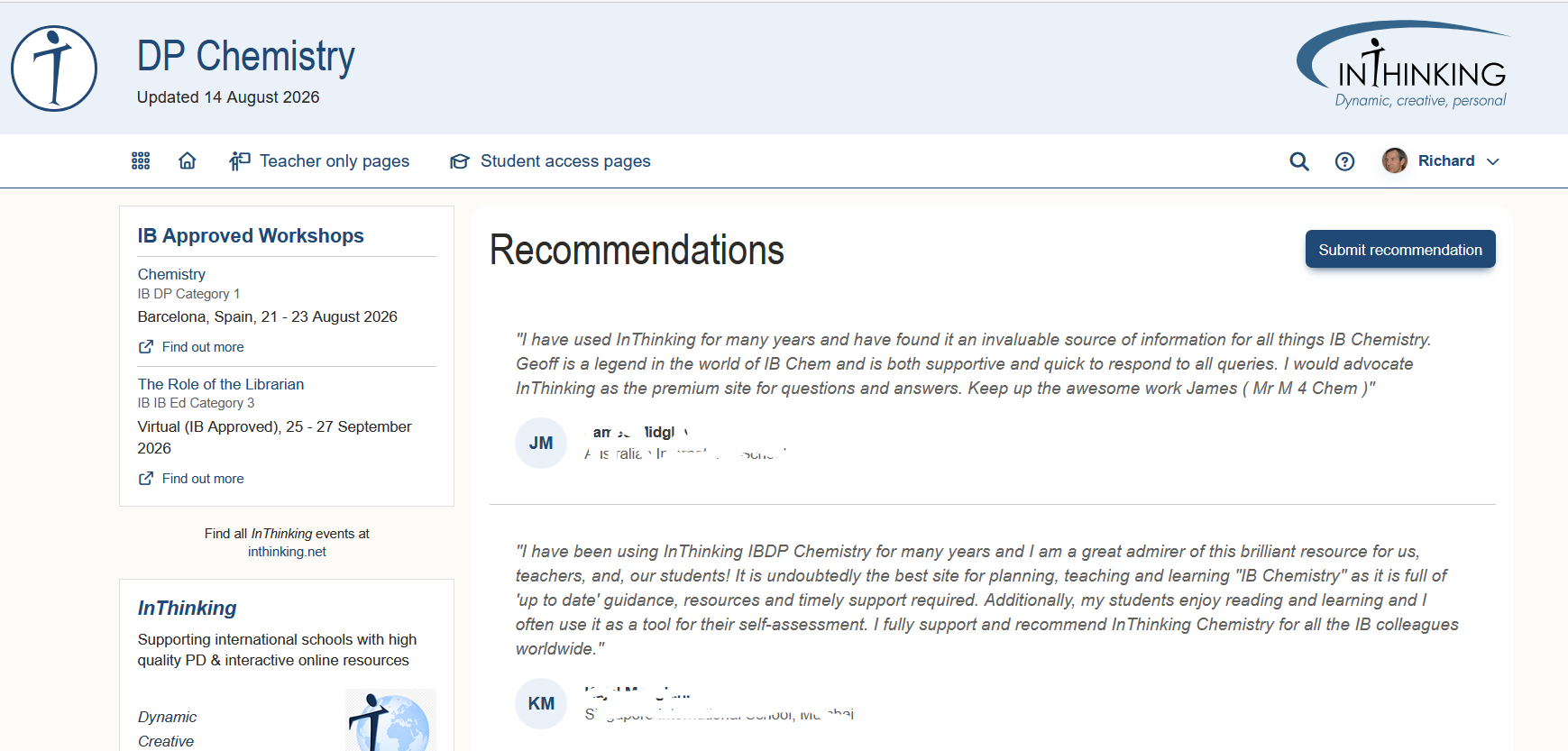
7. Recommendations
Here you can find a list of recommendations that other users have left for the subject. You also have the opportunity to submit your own recommendation.