Within a group, the Task manager enables you to set a new task by clicking the green “Add task” button. You can also view tasks which have already been set. Set tasks are organised by their status: active; overdue; awaiting grade; completed; draft.
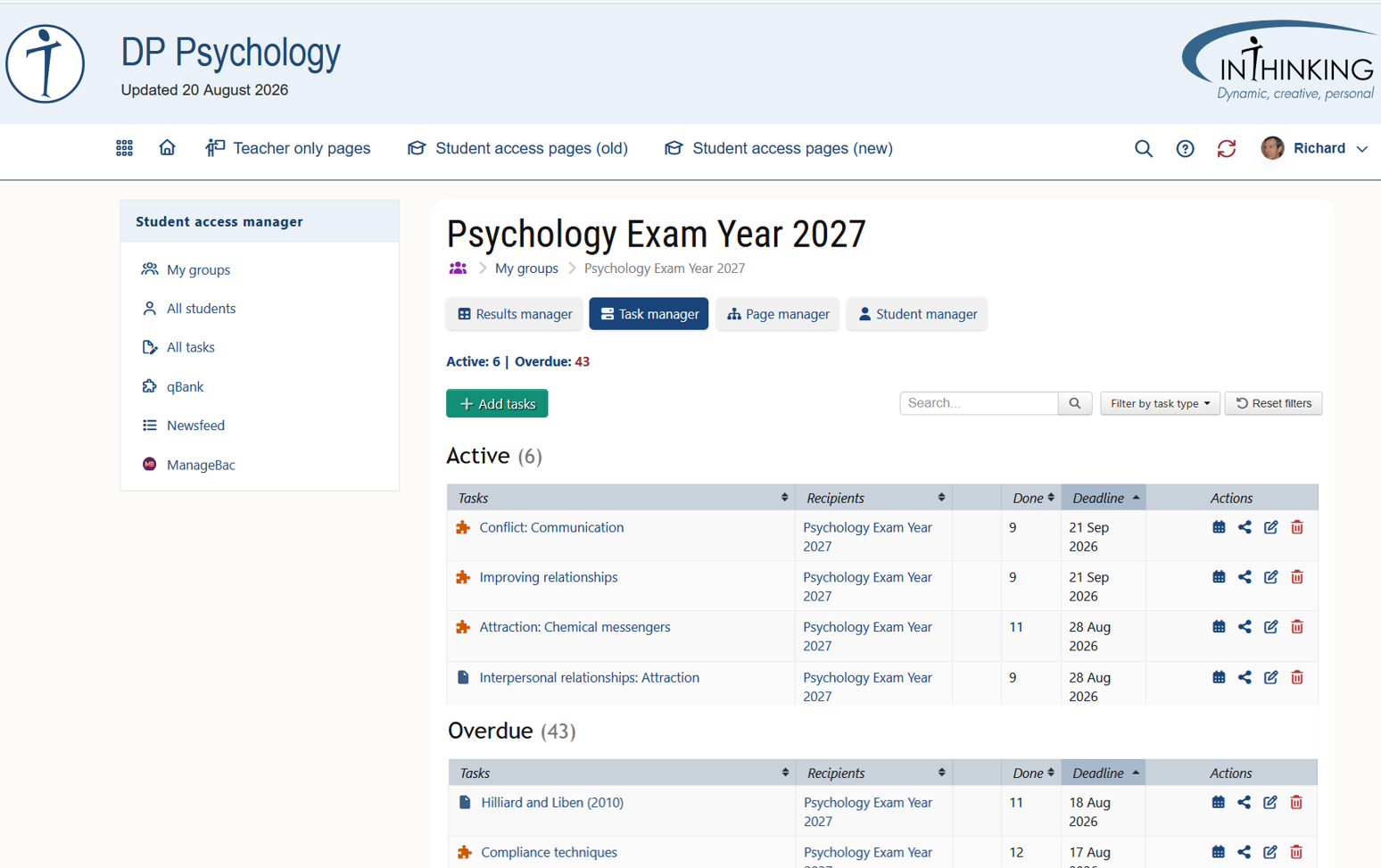
For each task, the Actions field at the end of the row allows you to:
1. Change deadline
2. Share link to task
3. Edit task
4. Delete task
For more information on how to set tasks and on different types of tasks, please go to the Tasks section of this Help.