If you wish to change your name, country, picture, or email address, click Click "My profile" in the left hand menu of the "My details" section. Then click the Edit button, make the relevant changes, and click Save.
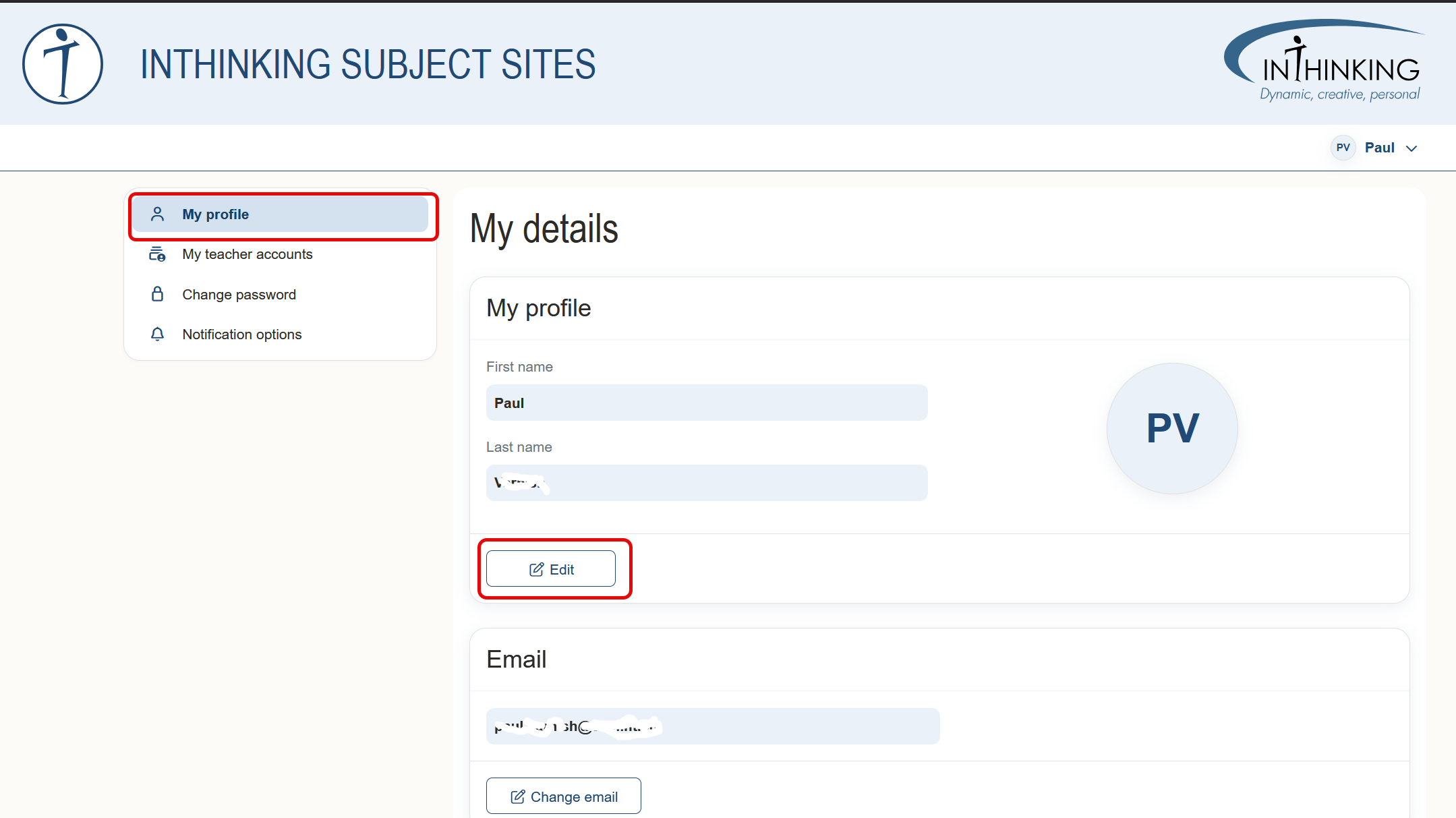
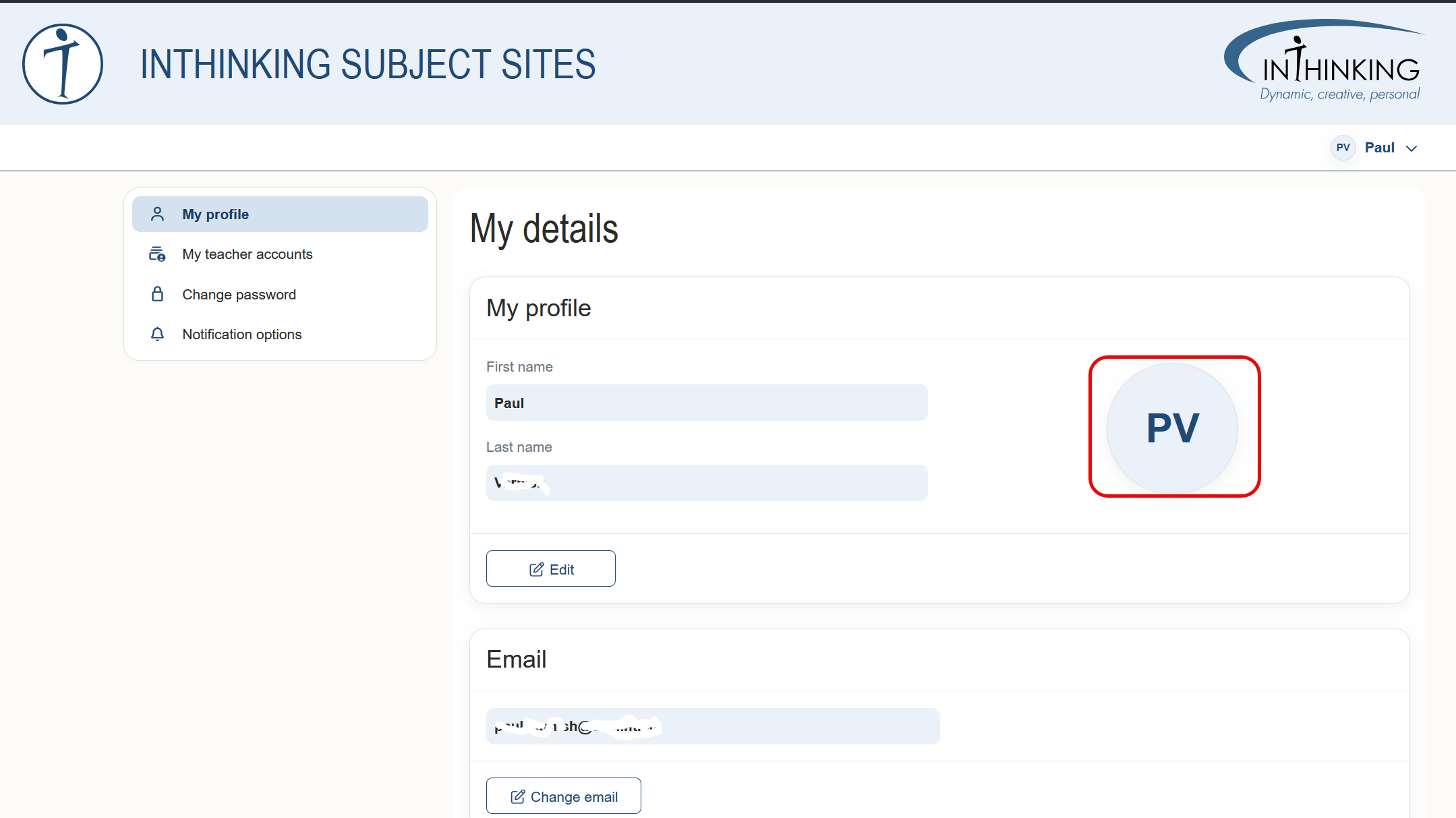
To change your profile picture, click the round icon, and then click Upload picture.
To change the email address, click Change email. You will then be redirected to a separate page where you can enter and confirm your new email. A confirmation link will be sent to the new email. Click the link to validate it and make the change effective.
