A New Look
From November 2026, the site has a makeover.
It's not just cosmetic however!
All the InThinking DP sites have been redesigned to be easier for teachers to navigate and to make the student experience consistent and familiar. We appreciate that any major change to a familiar interface can initially be challenging, especially for long-standing users. With some teachers having used the InThinking Visual Arts site for over 13 years, we understand that it may take a little time to become familiar with the new layout.
Big change N1: is how resources are organized and accessed, with most now available through the "Student access pages" tab from the homepage. The site is now divided into 2 sections, teachers only and student facing.
Big change N2: the removal of all assessment materials pertaining to the previous curriculum. We've already adapted and transferred resources that remain relevant to the current curriculum to the new site. The remaining materials will be archived, just in case we have overlooked something worth keeping. If you discover that something you need is no longer available, please don't hesitate to let us know.
We strongly recommend that you activate student access. This is included in your subscription, and you can have an unlimited number of students accessing the site at no extra cost. Even if you are not using the site in your classroom, your students can access our resources, e-book, art activities, and gallery independently. Your students will be actively searching the internet for resources and potentially subscribing to largely AI-generated services. Why not give them access to our expertise? Save the time and effort you would spend explaining and reiterating the requirements, criteria, format and objectives of the Visual Arts Course and use that valuable time discussing, making, and focusing on the aspects of teaching you most enjoy.
Students now have an eBook which is similar to a textbook, with all of the materials pertaining to the course.
The Activities section has ready to go activities to stimulate art making that students can either choose themselves or teachers can assign.
To set up Student Access for your students, follow the instructions in Managing Student Access.
Finding Stuff
If you need some help with the new layout, watch a short video on the page Navigating the Site. And if you are looking for a specific resource and don't see it, there is always the search icon on the top right. We are confident that after an initial exploration and you will feel right at home. Any questions, we (the authors) and the tech team are here to help.
Teachers only pages
These are the pages that students do NOT see when they log in. There are the materials specific to teachers, with sections on
Another useful feature is accessibility through translation. InThinking is fully compatible with Google’s built-in translation feature, enabling teachers and students to view the site in their preferred language. For example, with users in more than 65 registered schools in Spain, as well as many others across Spanish-speaking countries, teachers and students can choose to access the site in Spanish.
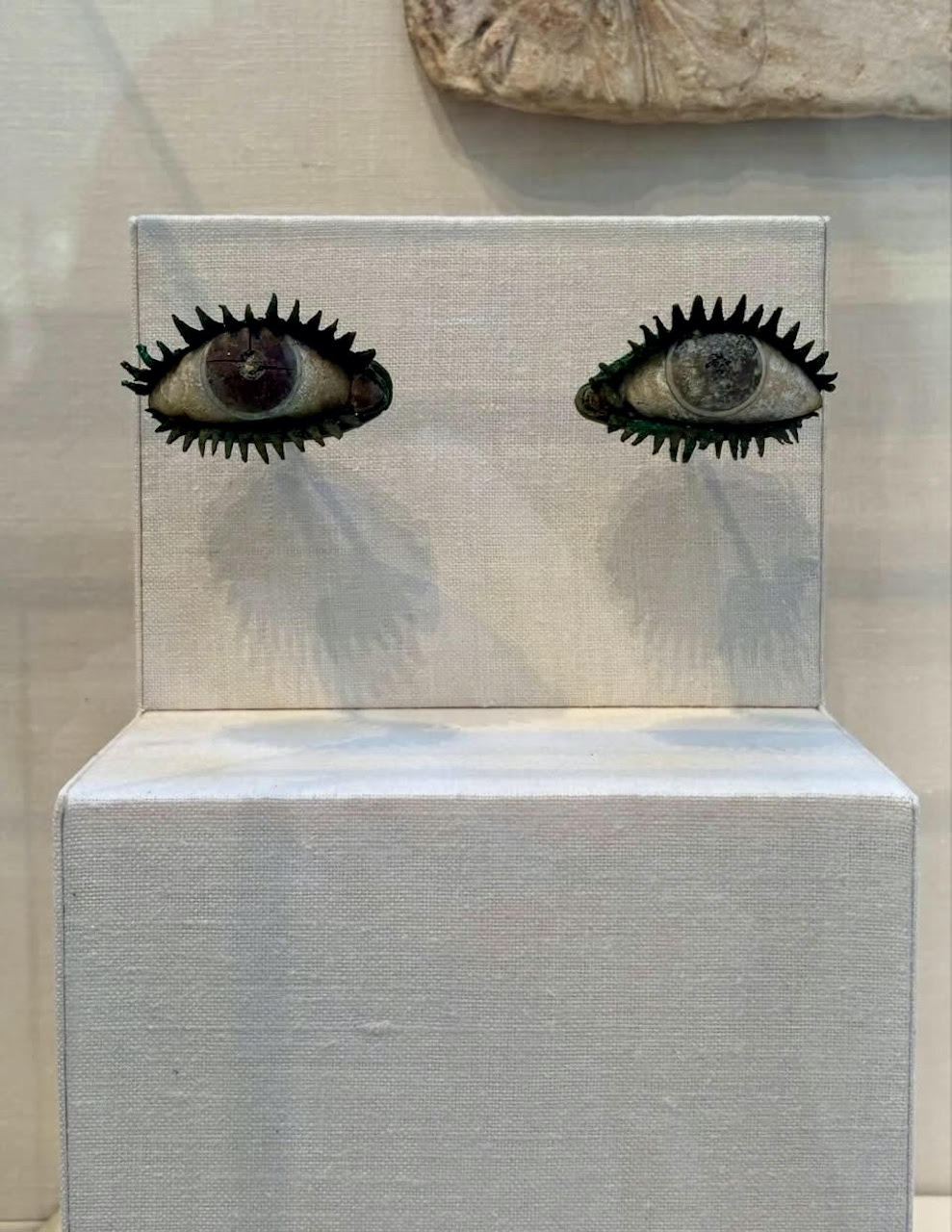
image credit: A pair of 5th Century BC eyes from Ancient Greece, made from bronze, ivory, and black volcanic glass. Metropolitan Museum of Art collection, New York, NY, image courtesy of @thegreatwomenartists